
Tips & Strategies
Set expectations
Be sure that students know what is expected of them during synchronous activities. Make it clear that students are expected to pay full attention during online sessions – they should be in a quiet location, free of distraction, and make an effort not to multitask.
Scaffold technology
If possible, provide students with an orientation of the technology/conferencing software. Spend the first few minutes of class (at least during the first few online sessions) reminding students of the various elements within the conferencing tool, how to troubleshoot, and expectations for participation.
Keep it high-level
As often as possible, use the synchronous time for higher-level learning activities and collaboration, including discussion, idea generation, and problem solving. Straight content delivery may be more appropriate as part of the asynchronous classroom in the form of readings, videos, and/or slideshows.
Engage and connect with students
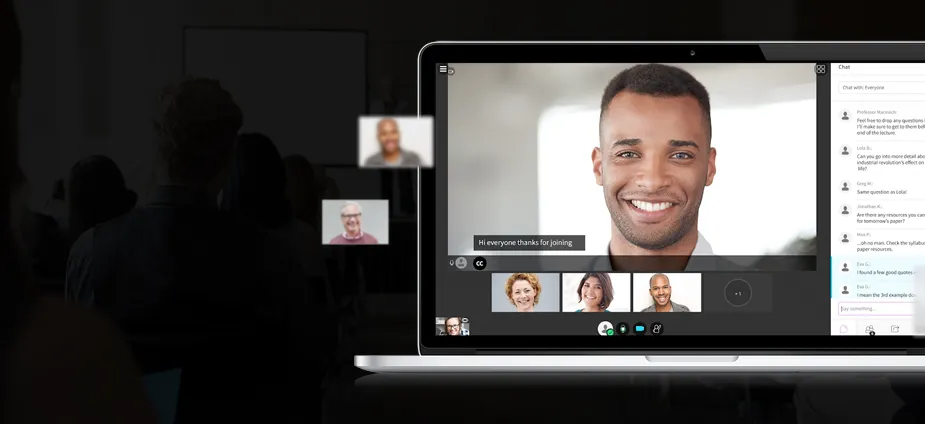
Use informal, inclusive language to promote interaction and participation. You are already distanced by location, so take advantage of the camera in using facial expression and voice intonation to connect with your students and create a welcoming atmosphere.
Schedule breaks
Don’t forget to provide time for students to step away from the computer to use the restroom, get water, etc. Encourage students to use these breaks to stand up, stretch, and move around a bit to help energize themselves before returning to the session.
Stay positive & trust the technology
While it is possible that there may be technical difficulties during your session, avoid phrases that might devalue the technology, such as “hopefully this will work”. Remain confident, as you don’t want to lower students’ expectations. If something is going wrong, one of the students will let you know.
Plan, plan, plan
Synchronous sessions should be designed in advance, with activities pre-prepared in the virtual meeting space/conferencing tool. You may even want to conduct a practice run-through of the session before going live.
Log in early
As the facilitator, log in to the session at least 15-20 minutes ahead of time to make sure everything is working properly and to greet participants as they join. Encourage students to join 5-10 minutes in advance of the class time to make sure their technology is working as well.
Have a Plan B
Create contingency plans in case of technical failure, visitor no-show, power outage or another issue.